01
Manage the SMS operation from one dashboard
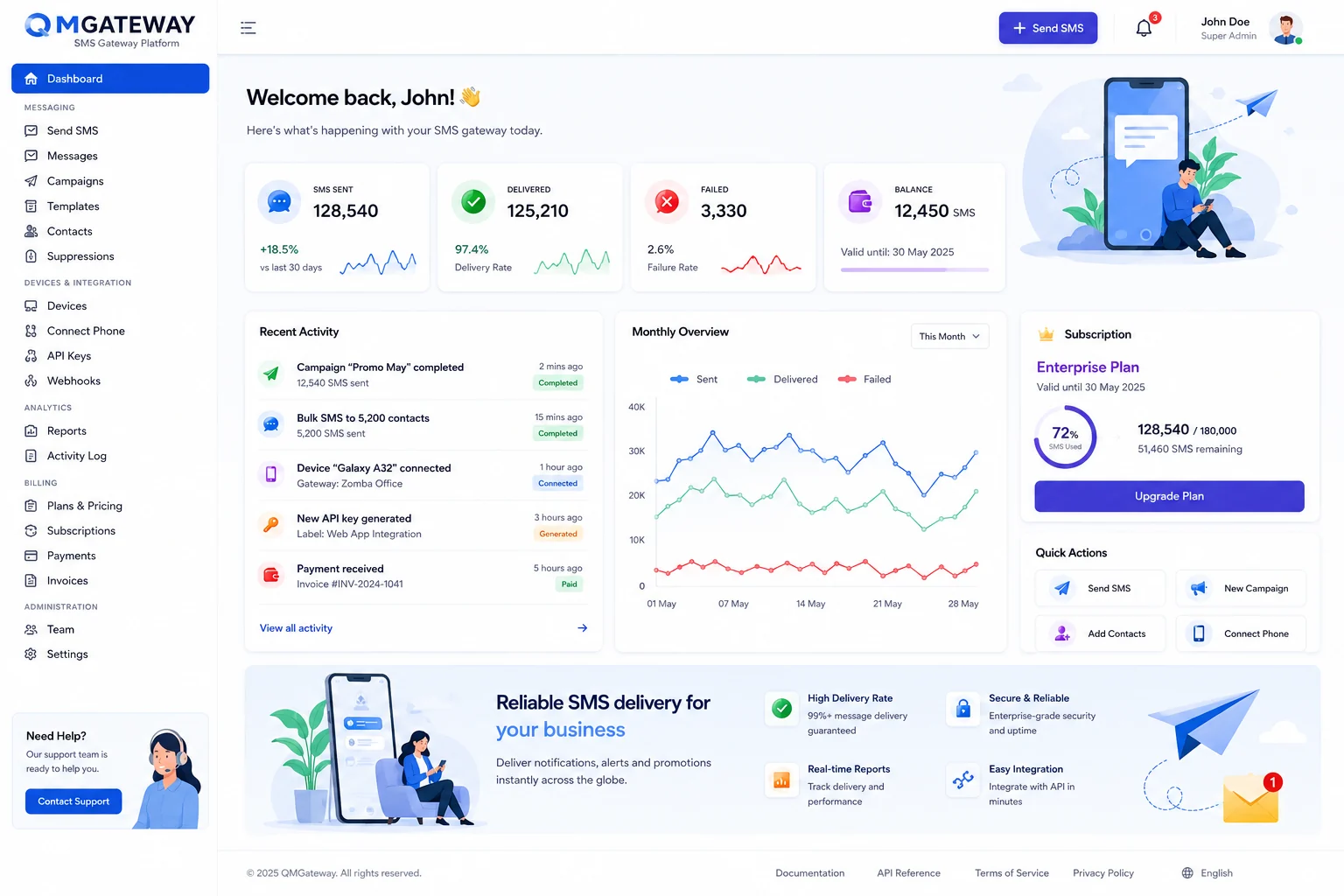
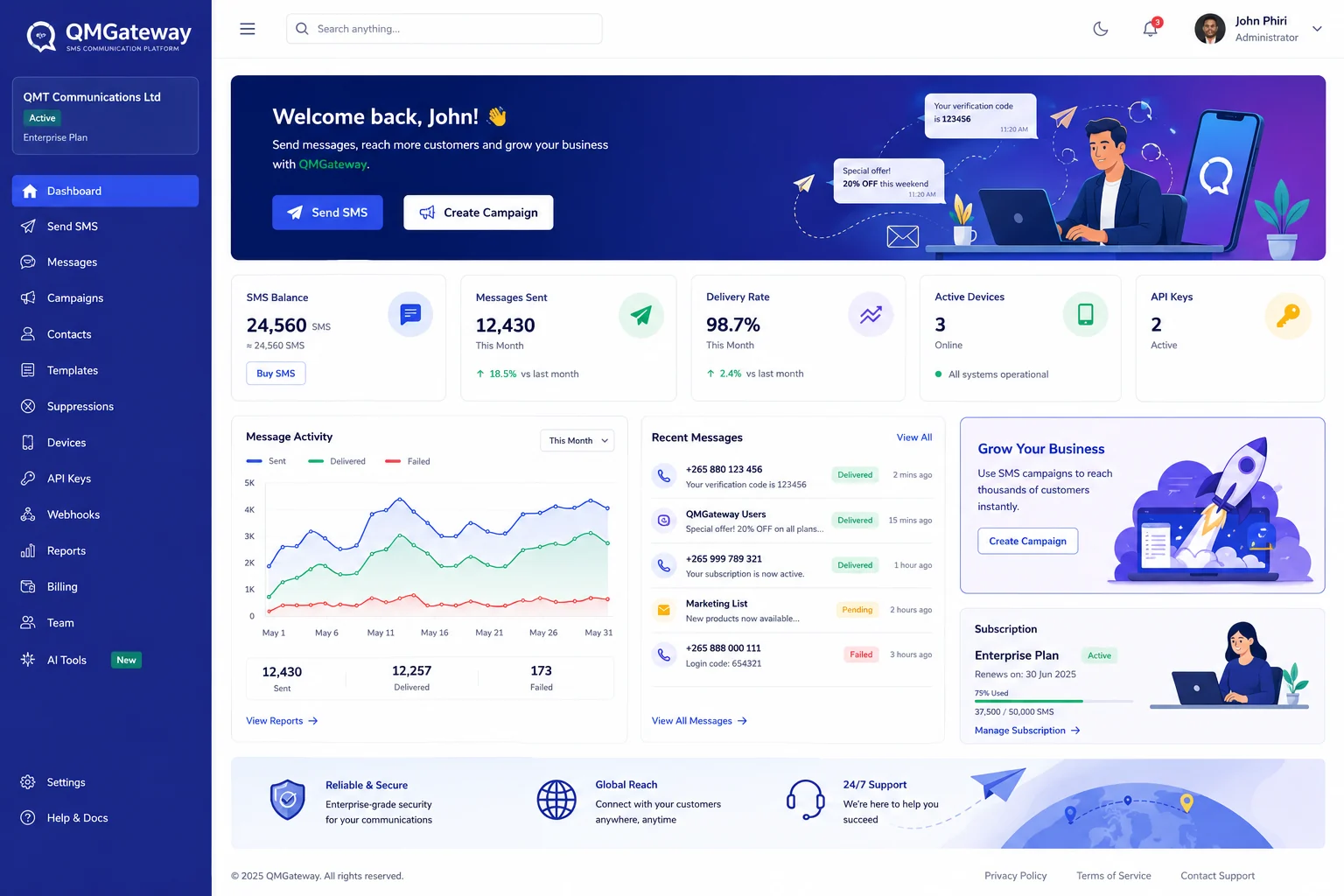
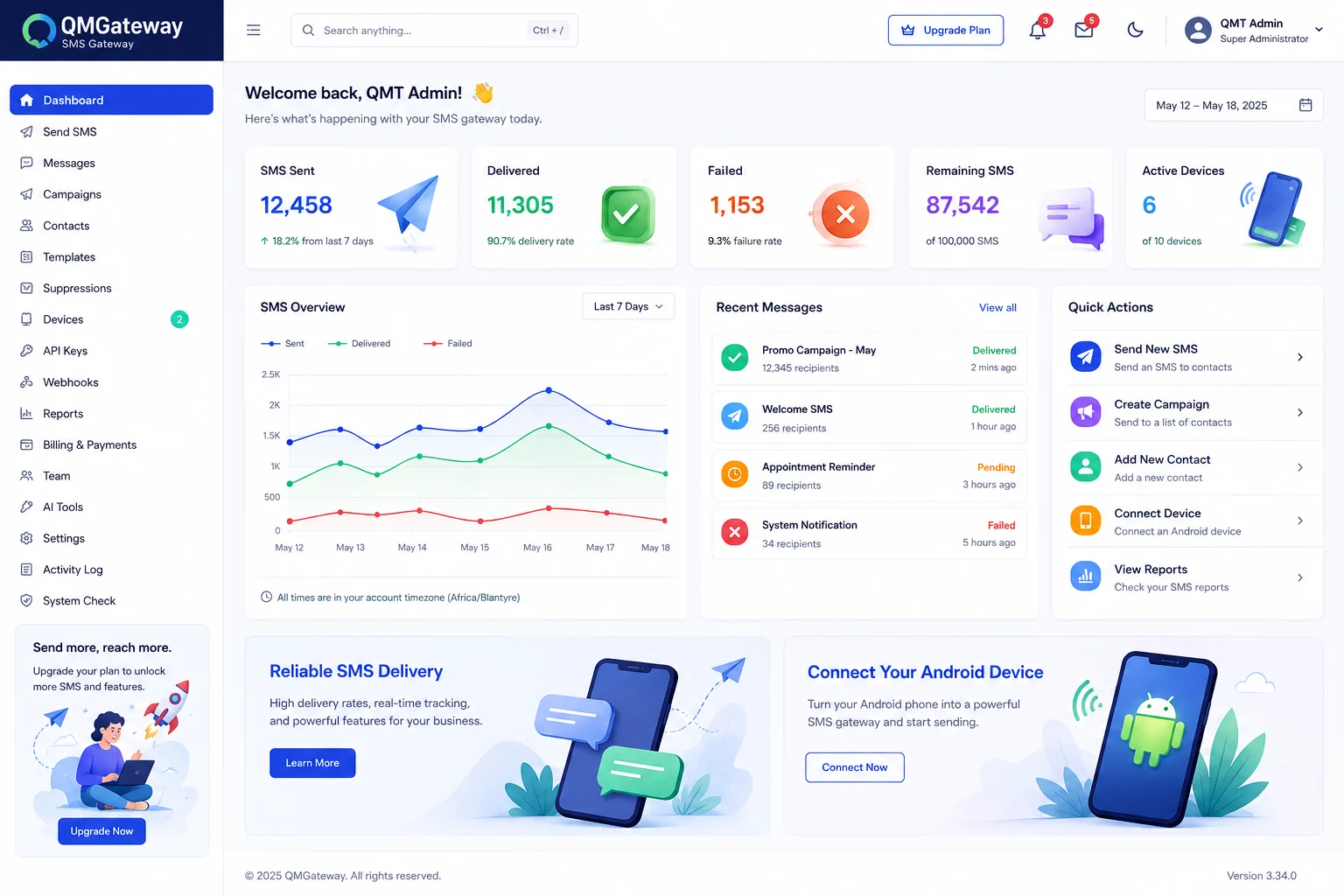
See message balance, delivery performance, recent activity, connected gateway phones and subscription health in one place.
Send bulk SMS, receive replies, connect your applications and manage every message from one secure platform designed for organisations operating in Malawi and beyond.
QMGateway brings the operational parts of SMS delivery together so teams can understand what is happening without jumping between disconnected tools.
See message balance, delivery performance, recent activity, connected gateway phones and subscription health in one place.
Pair registered phones securely, monitor device availability and let each gateway deliver queued SMS through its SIM.
Use scoped API keys for applications, separate bearer tokens for Android devices, and clear reporting for operational teams.
Clear tools for teams, dependable endpoints for developers and understandable reporting for decision makers.
Compose, schedule and track campaigns while controlling templates, contacts and message usage.
Capture customer responses and build two-way workflows for support, alerts and public services.
Use managed API keys, request logs, usage controls and compatibility-focused endpoints.
Connect an Android gateway device and monitor queued, sent, delivered and failed messages.
Understand delivery performance, common recipients, activity trends and remaining quota.
Protected sessions, audit history, scoped credentials and safer production configuration.
Your backend uses a managed QMGateway API key to submit SMS and OTP requests. The QMSMSGateway Android app uses a separate device token to collect and deliver queued messages.
POST /api/v1/messages.php HTTP/1.1
Host: qmgateway.com
X-API-Key: qm_live_••••••••
Content-Type: application/json

{
  "phone": "+265991234567",
  "message": "Your update is ready.",
  "type": "transactional"
}Connect a supported AI provider to draft concise SMS messages, translate content, classify replies, summarise conversations and suggest responses.
Turn an instruction into a clear SMS and estimate its message segments.
Classify incoming messages and extract important references for workflows.
Suitable for public services, education, healthcare, financial services, agriculture and growing businesses.